
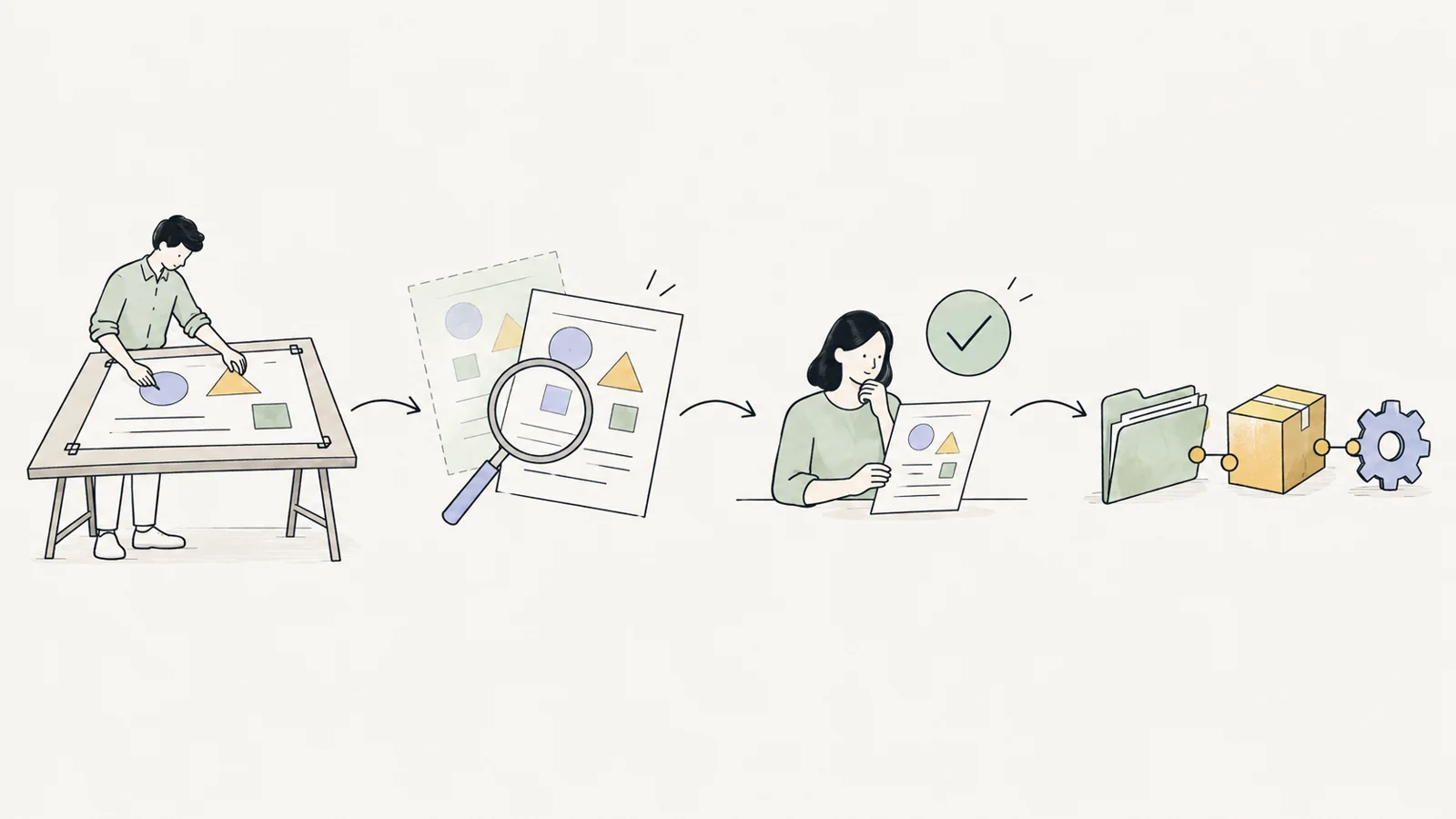
What a definition holds
- Record types and fields: text, number, amount and currency, date, choice list, person, attachment, link.
- State flows: who can move a record from one state to another, approval and lock on close.
- Approvals: approval chains by amount or role, delegation, revision.
- Visibility: who sees and edits which record; team, membership and parent-record rules.
- Views: list, board, calendar; filters such as "assigned to me", "overdue" and "empty".
- Metrics: counts, totals, durations; grouping and progress.
Safe change
Adding a field or changing an approval creates a new definition version:
- Preview: The change runs on a copy of your data, and affected records are counted.
- Report and approval: An administrator reads the report and publishes with its report code.
- Rollback: You can return to the previous version at any time; data and work in progress are kept.
One foundation for everyone
All modules share the same sign-in, the same people and roles, the same notifications and activity history. A person is set up once; approvals, tasks and permissions follow the same rules in every module.
Everyday use
- Waiting for you: Each person sees the approvals and tasks waiting for them in one list.
- Two languages: Each person uses the screens in English or Turkish.
- Spreadsheet import: Existing lists come in from Excel with a pre-check.
- Full export: Your organisation's data can be exported in full at any time.
- Notifications: Email notifications and reminders.
Connections
Calendar subscription, Google Drive, Slack and Microsoft Teams notifications, and an API for your own systems. Connections work when your organisation turns them on.